Short answer
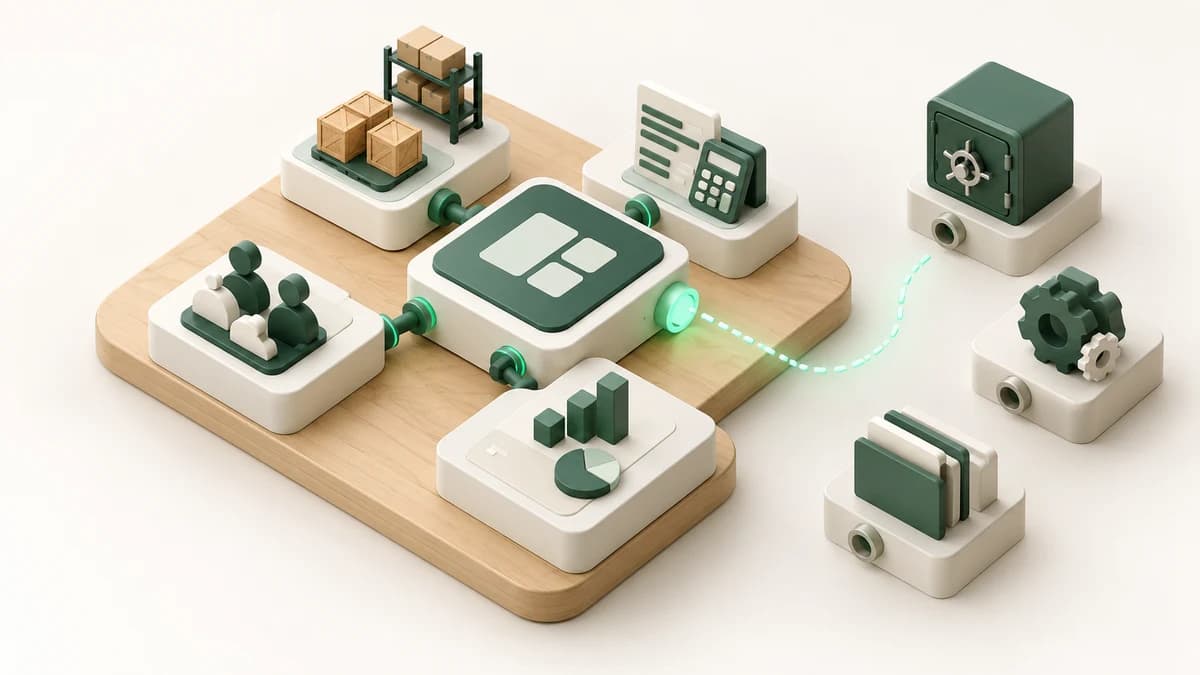
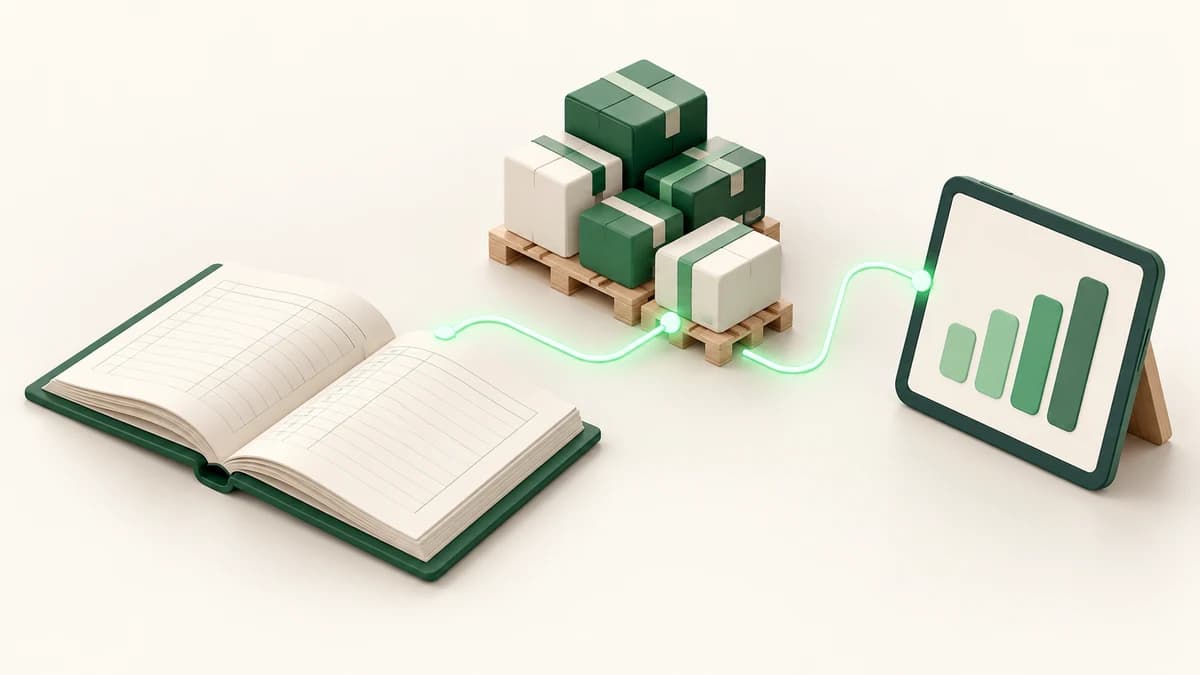
The right inventory and accounting software records each supply, transfer, shipment, return, loss, receipt, and payment once, then updates stock and the relevant financial account together. Choose a system that supports every warehouse, gives you an audit trail and valuation, and can demonstrate your real workflow with your own sample data before you buy.
Start with the transaction, not the feature list
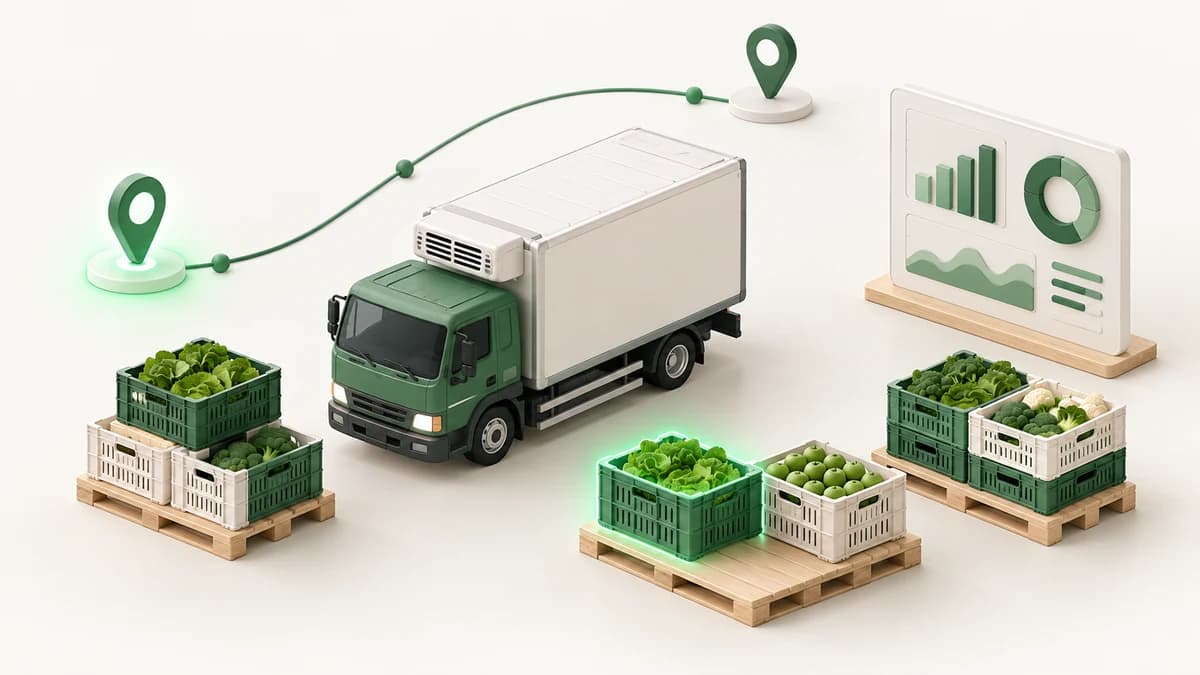
Many systems advertise inventory, sales, purchasing, and accounting, but those labels do not prove the modules work together. Map one real transaction from beginning to end. When produce arrives from a farm, the quantity should enter the correct warehouse and the supplier balance should increase. When goods ship to a client, stock should fall and the client balance should update from the same record.
Do the same for returns, damaged stock, expenses, collections, and transfers between a main warehouse and rented cold stores. If staff must enter the same event twice, copy totals into accounting, or correct balances in Excel, the system is creating a second source of truth instead of removing one.
The essential selection checklist
Ask the vendor to show these capabilities live, using a product, supplier, client, and warehouse that resemble your operation:
- Current stock by product and by location, including external stores.
- Supply intake, client shipments, returns, and warehouse transfers.
- Running supplier and client balances with printable statements.
- Safes and bank accounts linked to receipts, payments, income, and expenses.
- Stock movement audit trail and inventory valuation at a selected date.
- Damage or loss by product and location, plus receivables aging.
- Arabic right-to-left screens that warehouse and accounts teams can use on mobile.
Reports must answer decisions, not decorate a dashboard
A useful report should lead to an action. Stock by warehouse tells purchasing whether goods exist somewhere else before ordering. A movement trail explains why the system balance changed. Inventory valuation shows the money tied up in stock. Receivables aging tells collections who to call first. Loss percentage by product shows where storage or handling needs attention.
During the demo, pick one figure and trace it back to its documents. Then change a test transaction and confirm that stock, the running account, and treasury update correctly. Export is useful, but an export should be for analysis or sharing, not the only way to reconcile the system.
Questions to ask before signing
Clarify who configures opening stock and opening balances, who cleans product and party records, and how the vendor tests the imported totals. Ask what permissions exist for warehouse staff, accountants, and managers, and whether edits and deletions remain visible in the audit history.
- Can you demonstrate our full supply-to-collection workflow?
- How are units, returns, damaged quantities, and inter-store transfers handled?
- Can we see balances as of a past date and identify every movement behind them?
- What is included in training, support, backups, and future changes?
- Which parts are standard, and which require customization?
Avoid these common buying mistakes
Do not choose from screenshots, the longest feature list, or the lowest first-year price. A cheap system becomes expensive when people maintain parallel sheets, managers distrust reports, or every special workflow needs a workaround. Also avoid moving years of untidy data without deciding what must remain active and what can be archived.
Run a pilot with a small product catalogue, one warehouse, several suppliers and clients, and real edge cases. Reconcile its closing stock and balances against controlled totals. Only then expand locations and users. For a tailored system, a focused first release is typically delivered in 8–12 weeks, followed by later phases.
See a connected system before you decide
Enum ERP connects multi-warehouse stock, farm and supplier intake, cold-chain client shipments, running accounts, treasury, loss records, valuation, and audit reports in an Arabic RTL interface. You can inspect the live demo at https://enumerp.enumgrow.com/ and use the checklist above while you test it.
If your workflow needs a system shaped around your warehouses, documents, and management reports, review Enum Grow's ERP development service and plan the first release around the operation causing the most errors today.
Frequently asked questions
What is the difference between inventory software and accounting software?
Inventory software tracks quantities and movements, while accounting software tracks money and balances. An integrated system links both, so a supply or shipment updates stock and the relevant supplier or client account from one transaction.
Can one system manage several warehouses and cold stores?
Yes, if it keeps a separate balance per product and location and records transfers without treating them as sales or purchases. Ask to see the full transfer and audit trail during the demo.
How should we test software before buying?
Use your own sample products and run supply, transfer, shipment, return, loss, receipt, and payment scenarios. Reconcile the resulting stock, accounts, treasury, and reports against totals you already know.