Short answer
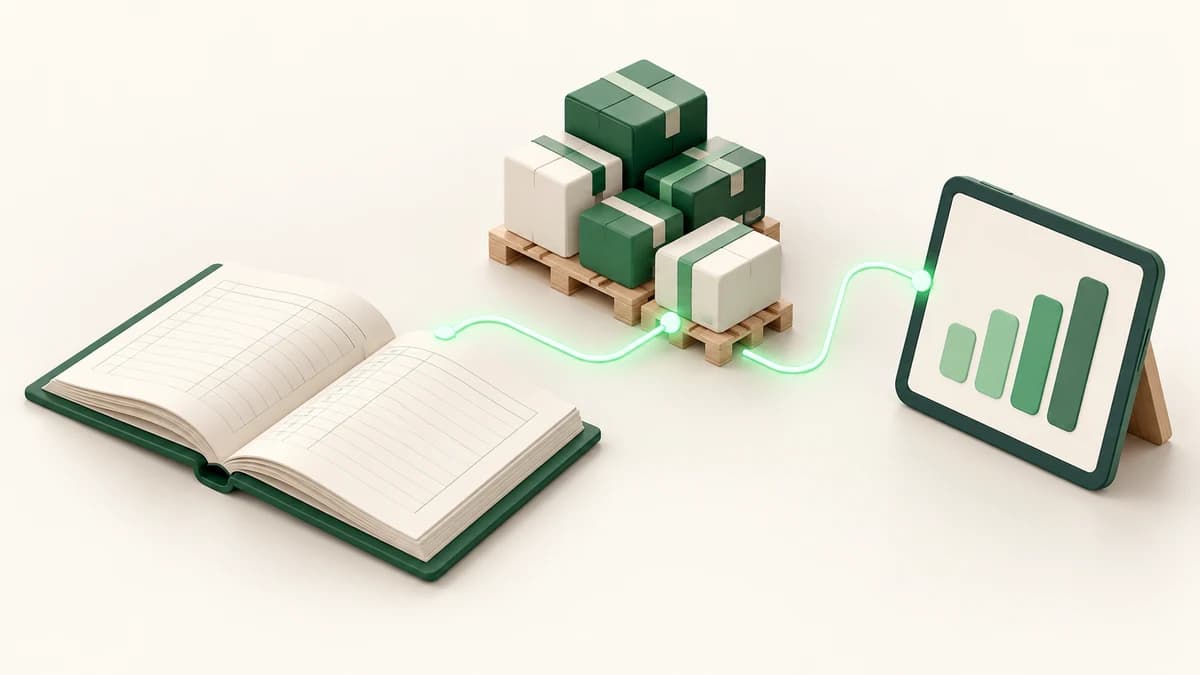
An ERP for a distribution company must connect ten essentials: product catalogue, stock per location, supply intake, transfers, client shipments, supplier and client ledgers, treasury, loss tracking, receivables aging, and a complete audit trail with valuation. Test those features as one end-to-end workflow, because separate modules that require duplicate entry will not give management reliable numbers.
1–3. Products, location-level stock, and supply intake
First, the ERP needs one controlled product catalogue with consistent names and units. Second, it must show the live quantity of every product in every location, not one combined total. A distributor may have a main warehouse plus several rented cold stores, and knowing that goods exist without knowing where they are is not operationally useful.
Third, supply intake must identify the farm or vendor, date, destination warehouse, products, quantities, and commercial value. That single record should increase stock and update the supplier's running balance. If the warehouse and accounts teams create separate records, quantity and money will eventually disagree.
4–5. Transfers and client shipments
A transfer must move goods from one location to another while preserving the movement history at both sites. It is not a purchase or a sale. Ask how the system handles goods in transit, partial receipt, a rejected quantity, and the employee responsible. These details matter when stock moves between an owned warehouse and external cold storage.
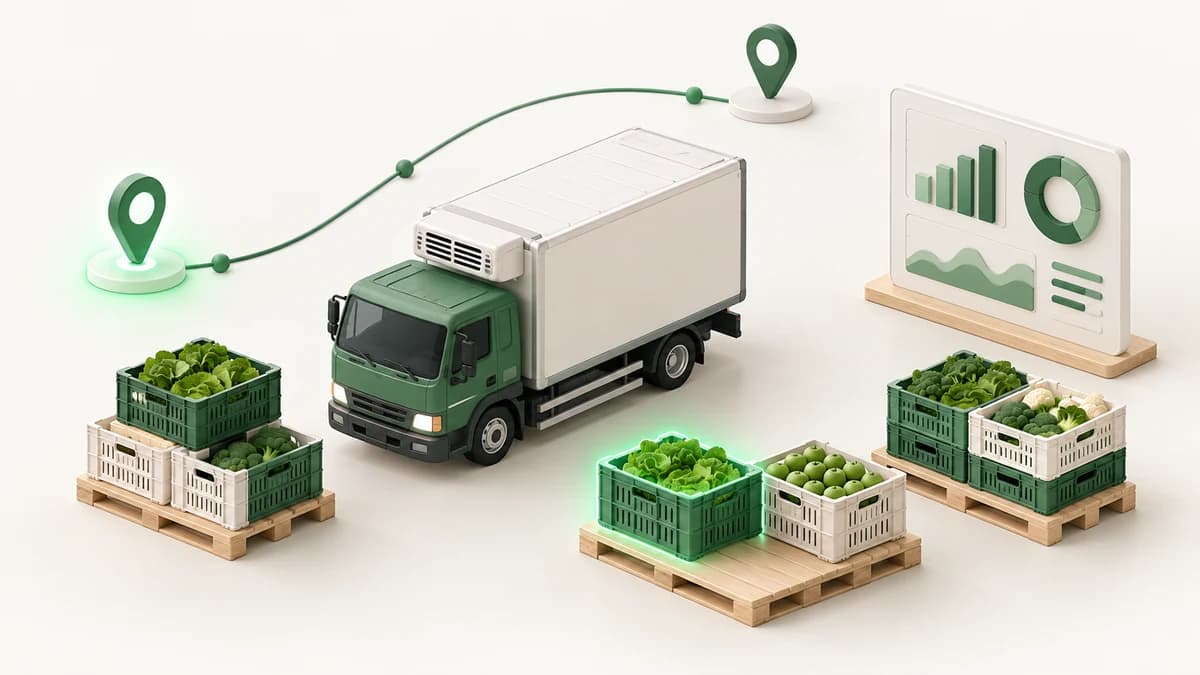
Client shipments should reserve or deduct the right stock, identify the dispatch location, and post the value to the client's account. In food distribution, a cold-chain shipment may contain several products and returns. The document needs to connect warehouse execution to the commercial balance without a later re-entry by accounting.
6–7. Running ledgers and connected treasury
Every supplier, farm, and client needs a running statement that explains its balance transaction by transaction: supplies, shipments, returns, receipts, payments, and adjustments. A manager should be able to open the balance, inspect the documents behind it, and print or share a clear statement.
Treasury is the seventh requirement. Safes and bank accounts should reflect operational receipts, supplier payments, transfers, income, and expenses. Permissions and approvals matter here. Ask whether a payment can be traced to the account and original obligation, and whether reversing it leaves an audit record instead of silently changing history.
8–10. Loss, aging, and audit-grade inventory reports
Perishable distribution needs loss recording per product and location. Quantity alone is not enough, so the system should calculate loss percentage against handled volume and let managers compare products and stores. Receivables aging should then group unpaid client balances by age, making collection priorities visible before old debt becomes a crisis.
Finally, require a stock movement audit trail and inventory valuation. The trail must explain every increase and decrease, with date, document, location, and user. Valuation should show the financial value tied up in stock at a chosen date. Together, these reports let operations and finance reconcile one shared record.
- 8. Damage and loss per product and location, with loss percentages.
- 9. Receivables aging and complete client statements.
- 10. Stock movement history and inventory valuation at a selected date.
How to evaluate a vendor without being distracted
Give each vendor this scenario: receive farm goods, transfer some to a cold store, record damage, ship the remainder to a client, collect part of the balance into a bank account, then show the closing stock, both party statements, treasury, aging, loss, and audit reports. This exposes weak links far better than a polished dashboard tour.
Also ask about Arabic RTL usability, mobile screens for warehouse staff, roles, backups, data export, support, and change requests. Agree on acceptance criteria and migrate in phases. A focused first custom release typically takes 8–12 weeks, then later modules can be added without delaying the highest-value workflow.
Test a distribution workflow live
Enum ERP covers these ten capabilities for food and produce distribution, including a main warehouse, external cold stores, farm intake, cold-chain shipments, linked accounts, treasury, loss reports, aging, valuation, and Arabic RTL screens. Explore the live demo at https://enumerp.enumgrow.com/ and run your own evaluation script.
For workflows that need different documents, controls, or reports, Enum Grow's ERP development service can shape a phased system around the way your distribution operation actually runs.
Frequently asked questions
What is the most important feature in distribution ERP?
The most important quality is connection: one operational record must update location-level stock and the relevant financial account. Without that link, even a long feature list produces conflicting numbers.
Does a small distributor need an ERP?
A smaller distributor benefits when several people or locations share stock, sales, purchasing, and collections data. Start with the few workflows causing errors rather than implementing every possible module at once.
Can a distribution ERP manage external cold stores?
Yes. It should keep separate stock per external location, record transfers and receipts, and preserve a full movement trail for every product and store.